

Getting Started with cURL: A Developer's Essential Tool
cURL (Client URL) is a command-line tool that allows you to transfer data to or from a server using various protocols (HTTP, HTTPS, FTP, etc.). In web
When I joined XYZ company as a backend developer intern working with Django, I thought I was ready after spending a week familiarizing myself with the codebase. My senior developers had a different idea of "ready" — my first real task was to coordinate with the frontend team about an API, get the cURL from them, hit it in Postman, and analyze what additional data they needed in the response.
That moment defined 90% of my cURL usage over the next 6+ months.
Why cURL Matters
cURL isn't just another developer tool — it's a speed multiplier for software development and testing. Instead of loading an entire web page or spinning up a frontend just to test an API endpoint, cURL lets you get the response instantly. You see exactly what's in the API response, identify gaps, and make changes accordingly. It's direct, fast, and efficient.
What cURL Actually Contains
A cURL command is essentially a complete snapshot of an API request. It includes everything a protected or unprotected endpoint needs:
Request parameters (query strings)
Request body (POST/PUT data)
Headers (content-type, accept, etc.)
Authentication tokens (Bearer tokens, API keys)
HTTP method (GET, POST, PUT, DELETE)
This completeness makes it perfect for sharing API requests between team members — especially between backend and frontend developers.
Extracting cURL from Your Browser
Here's the workflow I use daily:
Open Developer Tools (F12 or right-click → Inspect)
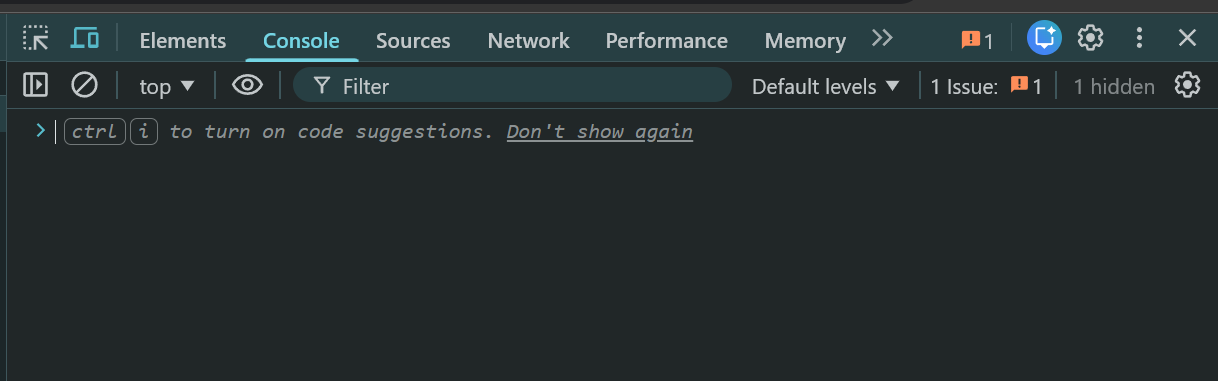
Navigate to the Network tab
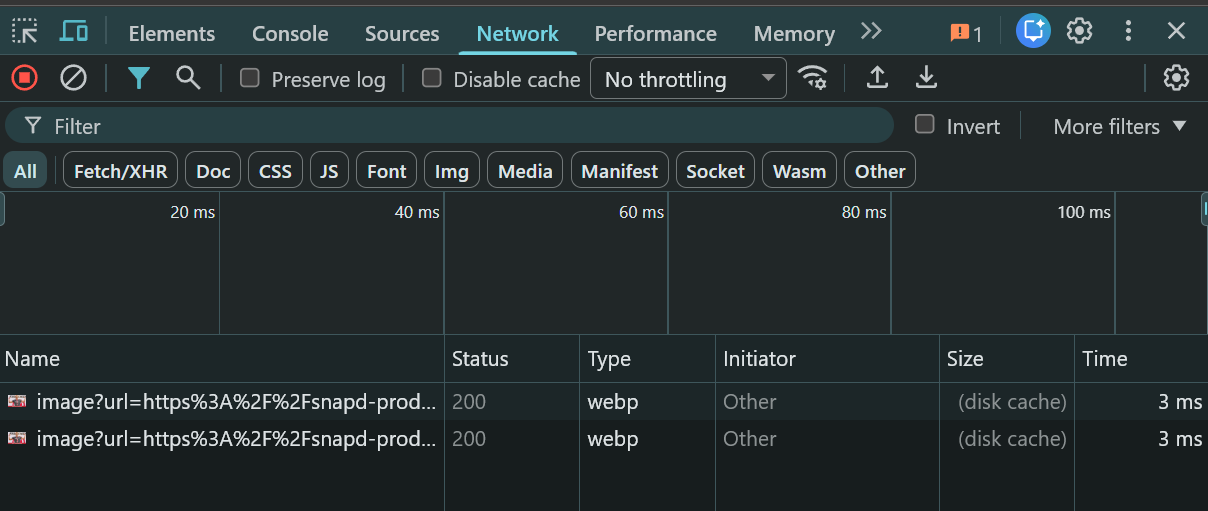
Filter by Fetch/XHR to see only API calls
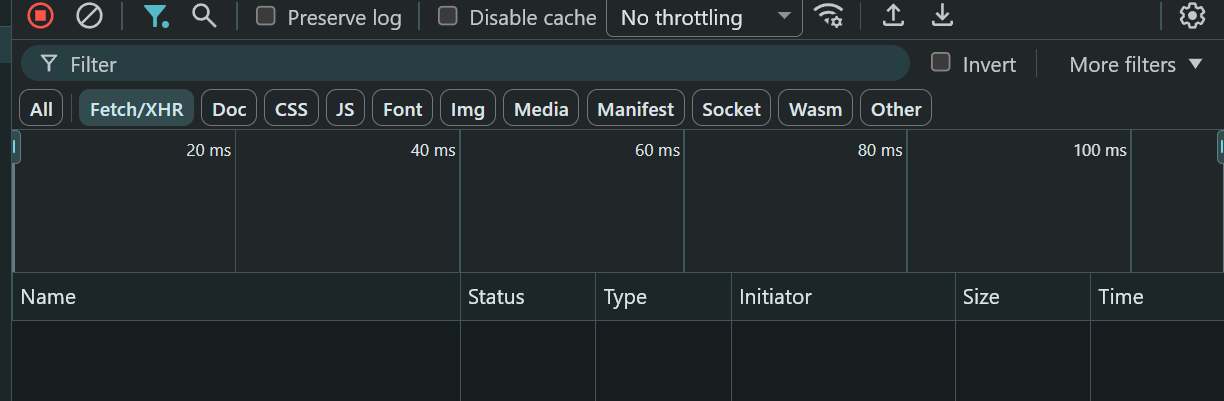
Trigger the API request by interacting with the page ( or reload the page )
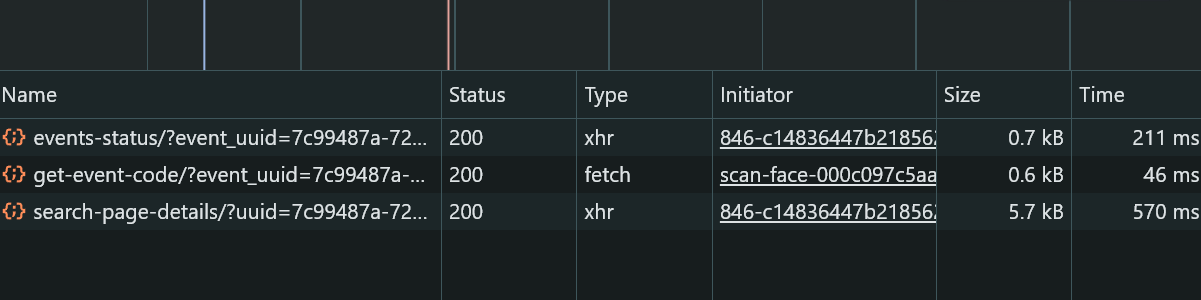
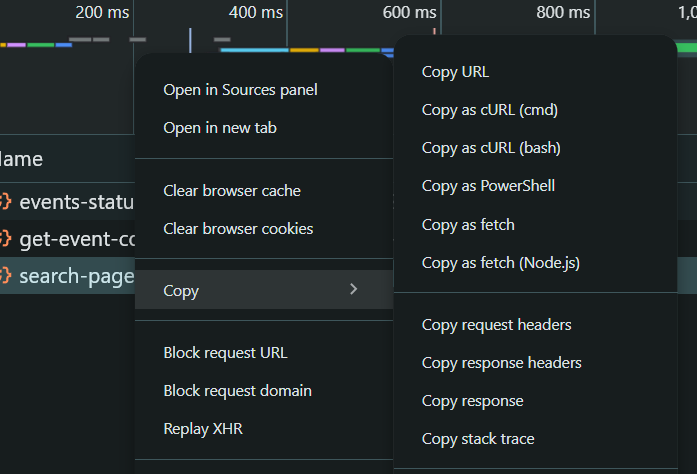
Right-click on the API request you want
Select Copy → Copy as cURL (bash) or Copy as cURL (cmd)
Open Postman
Click Import → Raw text and paste your cURL
Hit Send to see the complete response with params, body, headers, and auth tokens
The Local Development Trick
Here's where it gets really useful. When you copy a cURL from production or staging:
Production:
https://api.example.com/users
Simply replace the domain with your local server:
Django:
http://127.0.0.1:8000/usersNode.js:
http://localhost:8000/users
Now you can test the exact same request against your local environment, debug issues, and verify fixes before deployment.
The Real-World Use Case
That first task my seniors gave me wasn't random. Coordinating between frontend and backend teams through cURL has become standard practice because it eliminates ambiguity. The frontend developer sends exactly what they're sending, you see exactly what you're returning, and there's no "it works on my machine" confusion.
Six months later, I'm still using this workflow daily. It's simple, effective, and has probably saved me hundreds of hours of debugging time.
Happy Coding
